
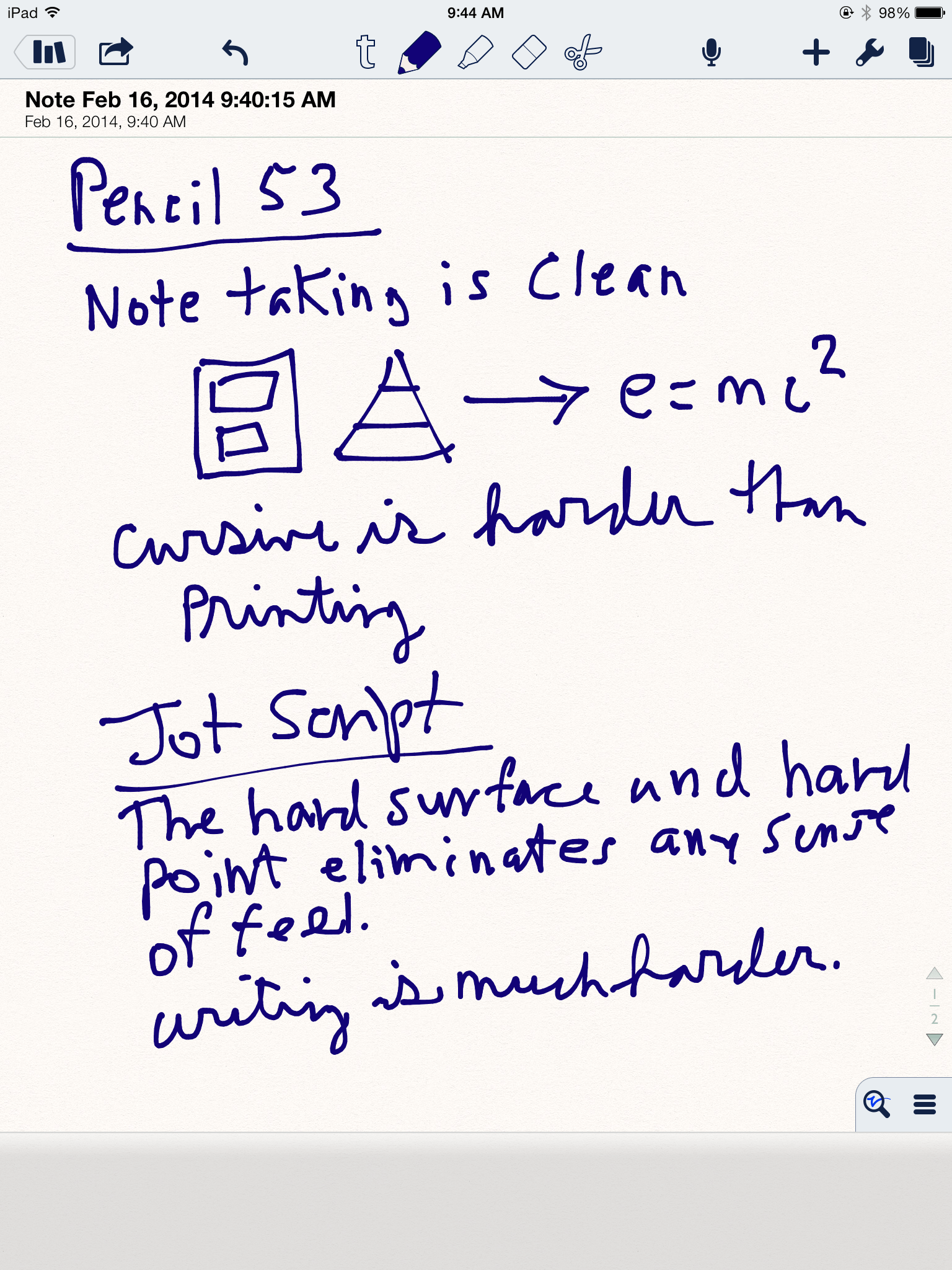
Post Updated with writing image February 16, 2014 (Scroll Down)
One of the consistently read posts on my blog is Notability + Bamboo + iPad = Paperless Note Taking. I’m constantly looking for better ways to transfer necessary note taking from paper/pen/pencil to digital. Once we had the rise of the tablet it made sense to use the tablet to collect my thoughts created by our hands. The Bamboo stylus paired with the Notability app on my iPad has served me well and I still use that combination on nearly a daily basis.
Despite that use my search never ends and I recently got a hold of the Paper 53 Pencil. It’s from the makers of the simply amazing Paper App that is the standard for sketching, note taking, diagraming, etc. It was the App of the year in 2012 and deservedly so. I’m not an artist so I didn’t turn to this App very often. Once I discovered the Paper 53 Pencil, that all changed.
The first thing that’s different from other stylus’s is the shape. It’s modeled on the classic carpenter’s pencil that has been in use for decades by tradesmen on the job. The wider, flat surface is easier to hold and can be rotated to make progressively thinner or thicker lines. It’s rugged which is a requirement on an exterior job site and it won’t roll away if you set down on a uneven surface.

I’ve been using my Pencil 53 for about three weeks. It has encouraged me to open up my Paper App more often and begin the process of integrating it into my everyday life. The Pencil 53 and latest Paper App is really smart.
- The lower part of the Pencil slides out and plugs into any USB port, charging in about 90 minutes.
- Paper claims a full charge will last up to a month. I’ve not had to recharge it during my three weeks of use.
- Pairing it with the Paper App is a cinch. Simply tap and hold.
- Paper’s toolbar elegantly emerges and you have access to all the various writing, sketching and painting tools through Pencil, which means it’s many tools in one.
- The screen knows when it’s the Pencil or your wrist or finger on the screen. It only records friction from the Pencil.
- When you make a mistake, and I do all the time, you simply turn the Pencil around and erase it with the tip. No more tapping on an interface to switch to erase mode then back to write/sketch mode.
I opted for the graphite color. The wood Pencil 53 is $10 more. The weight and feel are very satisfying and I’m using it on other Apps like Penultimate and Notability. Very happy. There is one thing you really can’t do with this pencil. Rest it behind your ear. Too large.
Fifty-Three, Inc. packs an extra tip and eraser in the cool tube packaging.
Sample of Pencil 53 and Jot Script on iPad Notability app


Leave a Reply